Discord Meme Bot
The Memegician bot adds a /meme command to Discord: type a topic, and it picks a classic meme template, writes the captions and posts the finished meme in the chat. Add it to a server you manage, or to your own account to use it in your DMs and in servers that allow external apps.
Add to your server · Add to your account
Adding it to a server needs the Manage Server permission there. The bot only asks for the Embed Links permission. No Memegician account needed.
Commands
/meme topic:<what it's about>: Posts one finished meme about your topic (3 to 100 characters). The bot picks the template and writes the captions. Example:/meme topic:when the build passes on a Friday/meme topic:<…> template:<name>: Uses the template you choose. Start typing in the template option to search, for example drake or panic. Example:/meme topic:monday standups template:Drake Hotline Bling/template query:<emotion, situation or name>: Lists the 5 best matching templates, each with a link to its page and an Edit button that opens it in the Memegician editor. Example:/template query:choosing between two options
Every meme has two buttons: Another one makes a new meme on the same topic (on a different template, unless you chose one), and Open in editor opens it in the Memegician meme editor with its captions, so you can change the text or the template.
How to add the Discord meme bot
- Add the bot: Click Add to your server and pick a server you manage, or Add to your account to use it anywhere external apps are allowed.
- Type /meme: Type /meme and a topic, for example /meme topic:when the build passes on a Friday. Add the template option to choose the template yourself.
- Keep or retry: The meme is posted in the chat. Click Another one for a new take, or Open in editor to change the captions on memegician.ai.
Example Discord memes
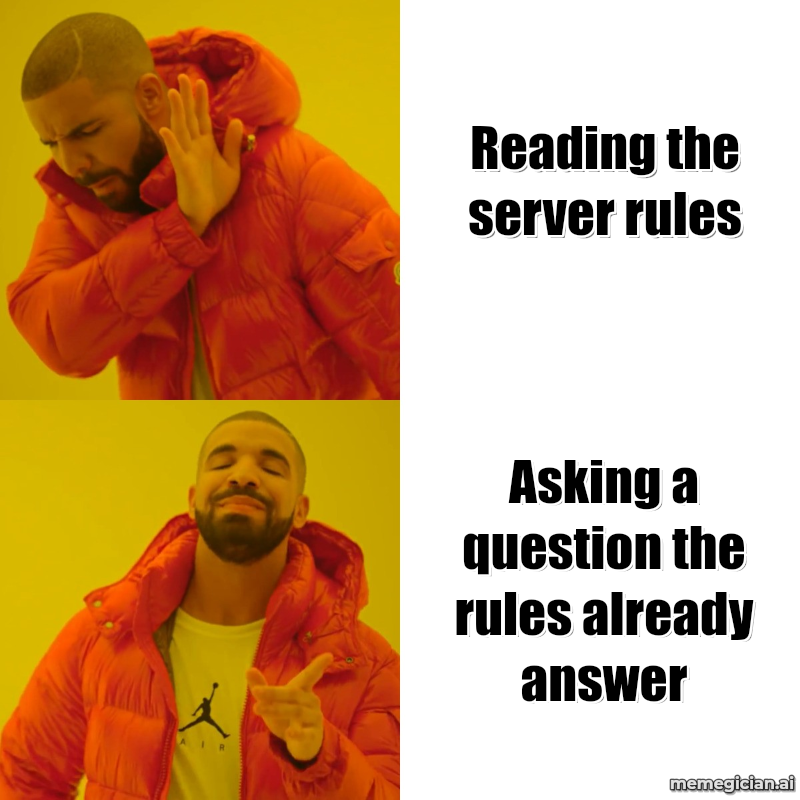
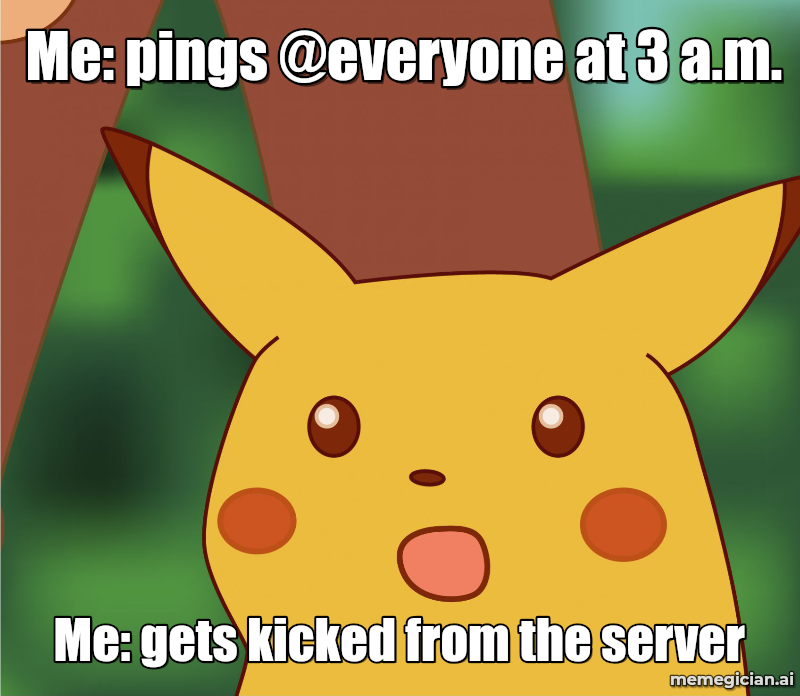
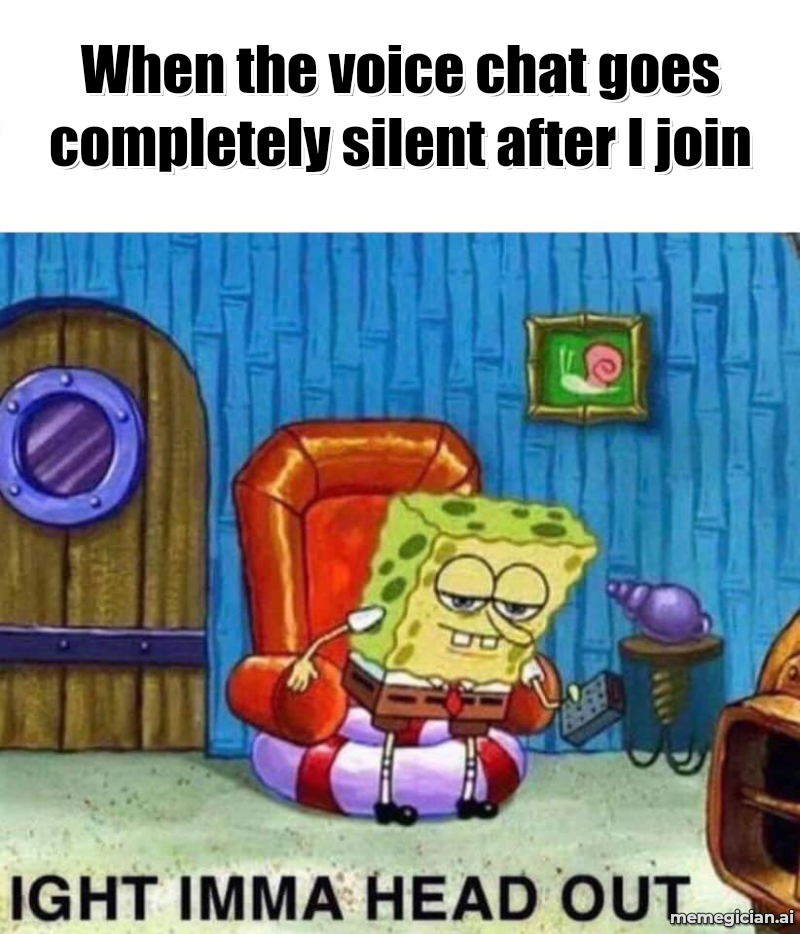
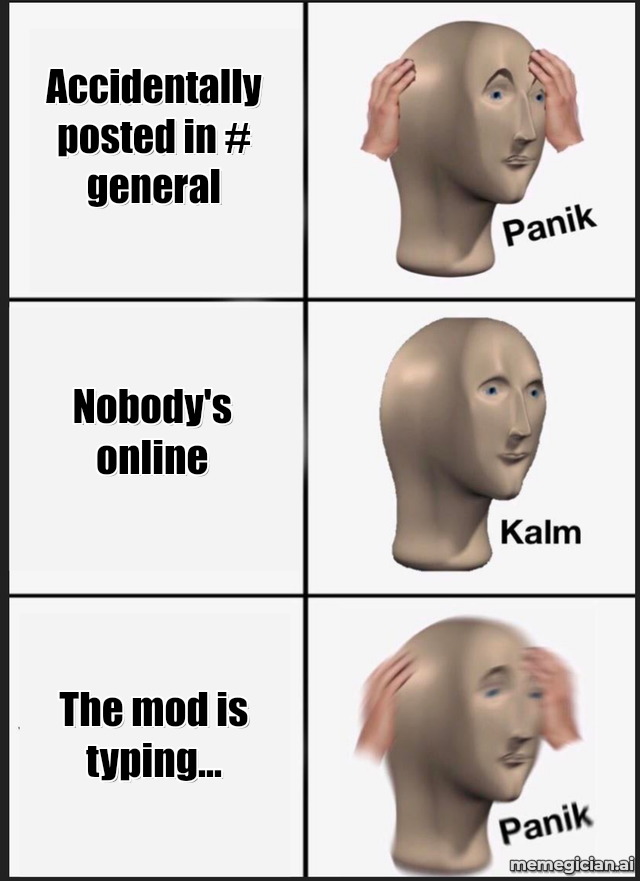
From our Discord memes collection, on the same classic templates the bot picks from. Memes posted by the bot carry a small memegician.ai watermark.
Limits and what it can't do
- 20 memes per Discord user per day, and 200 per server. Limits reset at 00:00 UTC, and Another one counts for whoever clicks it.
- 100 template searches per user per day.
The bot makes still images on classic templates only: it can't caption your own images or GIFs. It isn't linked to Memegician accounts, so a paid plan doesn't remove the watermark or raise the limits in Discord. If the captions for a topic don't pass our safety check, it asks you to describe it differently.
Privacy
- The bot only receives what you send it: slash commands, template searches as you type, and button clicks. It doesn't connect to Discord's gateway, so it can't read the messages in your channels.
- Your topic is sent to OpenAI to write the captions and isn't logged or stored by Memegician. It does stay in the Another one button, which Discord keeps with the message.
- For the daily limits we store your Discord user ID, the server ID and a count per day, and delete them after 30 days.
- Finished memes are hosted as public image links, so don't put private information in a topic.
Frequently asked questions
How do I add the meme bot to my Discord server?
Click Add to your server, pick the server and approve. You need the Manage Server permission there; the bot only asks for Embed Links. Then type /meme and a topic in any channel where members can use app commands.
Can I use the bot in a server I don't manage?
Yes. Choose Add to your account instead. /meme and /template then work in your DMs, group DMs and servers that allow external apps.
Is the Discord meme bot free?
Yes, with no sign-up. Each Discord user can make 20 memes a day and each server 200, resetting at 00:00 UTC. Memes carry a small memegician.ai watermark.
Can I choose the meme template?
Yes. Add the template option to /meme and start typing to search, or run /template with an emotion, situation or name to see the 5 best matches. Without a template, the bot picks one that fits the topic.
Can the bot read my server's messages?
No. It only receives the commands and button clicks sent to it. Topics are sent to OpenAI to write the captions and aren't logged or stored by Memegician.
More from Memegician
Discord memes · All meme templates · Meme editor · Telegram meme bot · MCP server