Telegram Meme Bot
@memegician_bot makes memes on classic templates inside Telegram: type @memegician_bot and a situation in any chat, then tap one of the memes to send it. You can also message the bot directly and get a set of memes back.
No sign-up. Inline mode works in any chat without adding the bot to it.
Commands and inline mode
@memegician_bot <situation>: Inline mode, in any chat: type the bot's name and a situation, and after a moment up to 5 memes appear above the keyboard. Tap one to send it. Example:@memegician_bot monday meetings/meme <situation>: In a chat with the bot, sends up to 4 memes about it. In a private chat you can also just send the situation as a message. Example:/meme when the code works on the first try/meme in a group: Works in groups the bot has been added to. There it only answers its commands (/meme, /start, /help), not ordinary messages. Example:/meme@memegician_bot friday deploys/help: Shows how to use the bot and its daily limits. Example:/help
Memes come with a Make your own on Memegician button that opens the meme's template on memegician.ai, where you can write your own captions.
How to use the Telegram meme bot
- Type the bot's name: In any chat, type @memegician_bot followed by a situation, for example @memegician_bot monday meetings.
- Pick a meme: Up to 5 memes appear above the keyboard. Tap one to send it to the chat.
- Or message the bot: Open @memegician_bot and send /meme with a situation to get up to 4 memes back.
Example memes
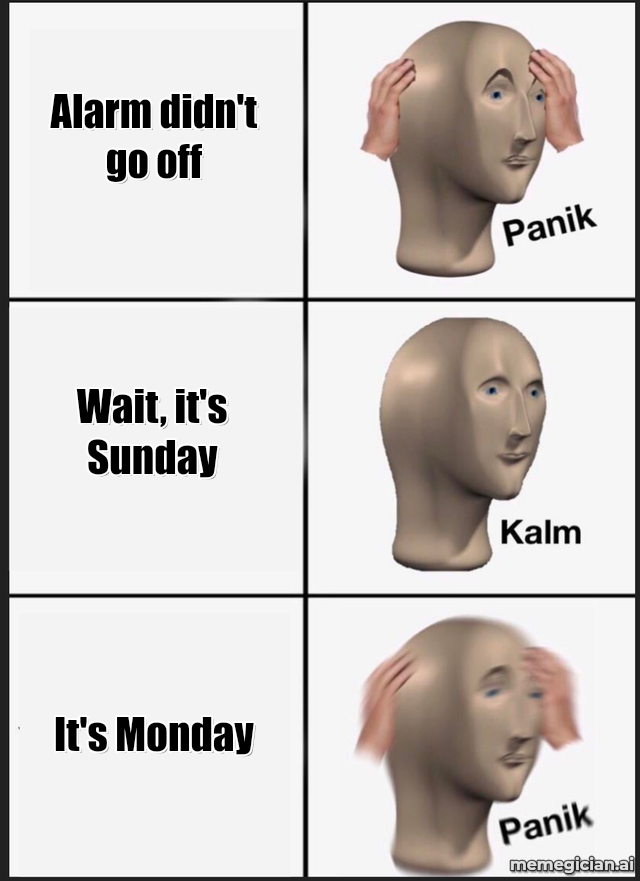
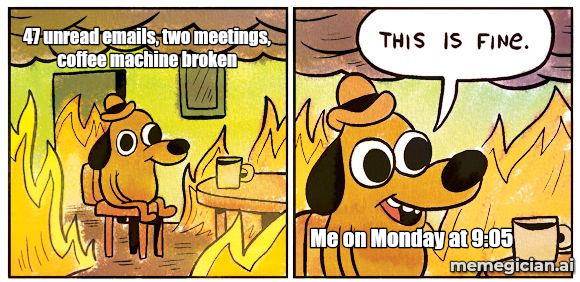
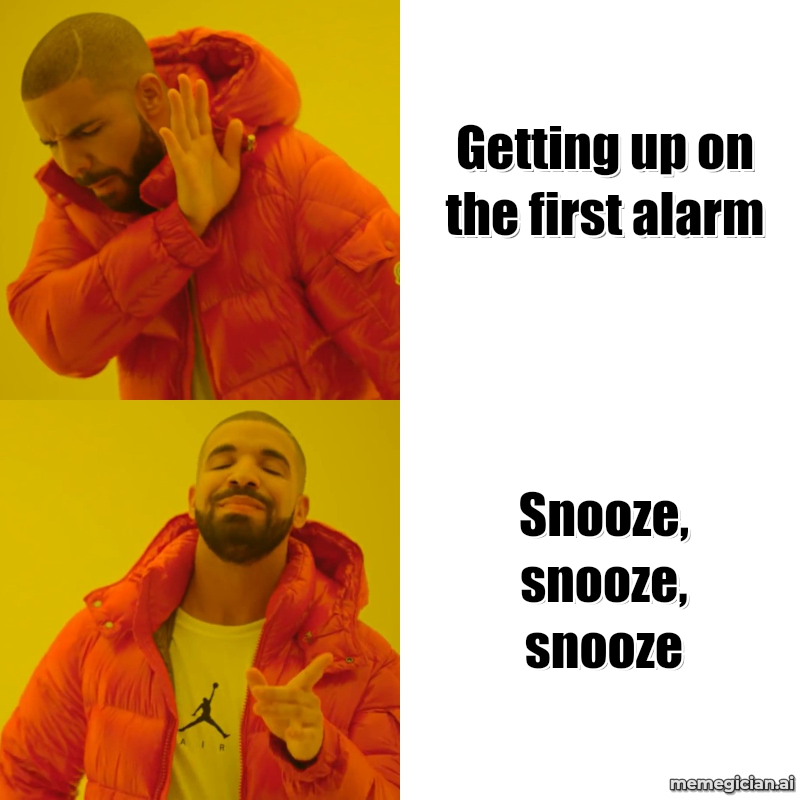
From our Monday memes collection, on the same classic templates the bot picks from. Memes sent by the bot carry a small memegician.ai watermark.

Limits and what it can't do
- 30 inline searches and 20 meme sets in chats per Telegram user per day (UTC).
- Only new memes count: a situation someone asked for in the last few minutes comes from a cache and is free.
You can't choose the template in Telegram: the bot picks it. It makes still images only and can't caption your own photos or GIFs. It isn't linked to Memegician accounts, so memes always carry the watermark. To pick a template or edit the captions, use the Make your own button.
Privacy
- The bot receives what you send it in a private chat, its commands in groups, and what you type after @memegician_bot.
- That text is sent to OpenAI to write the captions. Memegician doesn't log or store it, apart from a 10-minute in-memory cache that lets repeated requests reuse the same memes.
- For the daily limits we store your Telegram user ID and a count per day, and delete them after 30 days.
- Finished memes are hosted as public image links, so don't include private information.
Frequently asked questions
How do I use the Telegram meme bot?
In any chat, type @memegician_bot and a situation, for example @memegician_bot monday meetings. After a moment up to 5 memes appear; tap one to send it. Or open the bot and send /meme with a situation to get up to 4 memes.
Do I need to add the bot to a group?
No. Inline mode works in any chat without adding the bot. If you add it to a group, members can use /meme there too; it doesn't answer ordinary messages in groups.
Is the Telegram meme bot free?
Yes, with no sign-up. Each Telegram user gets 30 inline searches and 20 meme sets in chats per day, and memes carry a small memegician.ai watermark.
Can I choose the template or edit the captions?
Not inside Telegram: the bot picks the templates. Tap Make your own on Memegician under a meme to open its template on memegician.ai, where you can write your own captions.
Does the bot store my messages?
No. Your text is sent to OpenAI to write the captions and isn't logged or stored by Memegician, apart from a 10-minute in-memory cache. For the daily limits we keep only your Telegram user ID and a count per day.
More from Memegician
Monday memes · Discord memes · All meme templates · Meme editor · Discord meme bot